Gentle Sort / Features
Photograph and upload
The first job is getting everything in the house onto the list, with a clear photo of each item. It goes faster than you’d think.
Take good, plain photos
Your family will choose from these photos, so clear matters more than pretty. A phone is enough.
- Use daylight when you can
- Photograph the front, the back and any marks or signatures
- Put something next to large pieces to show their size
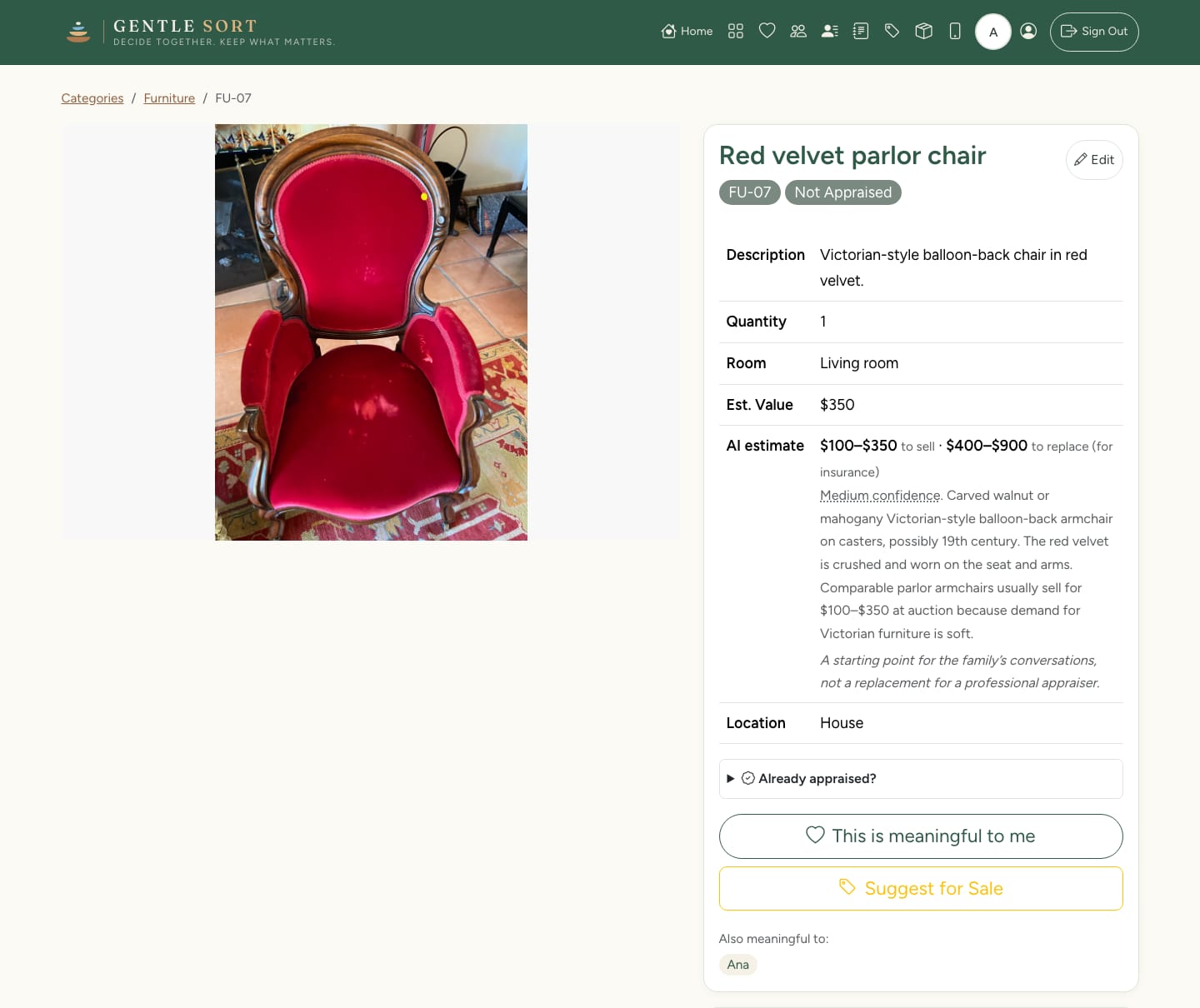
Upload a batch and let it sort them
Drop in up to 50 photos at a time. Gentle Sort suggests a category, a name and a short description for each one. You check them and change anything that’s wrong before they go on the list.
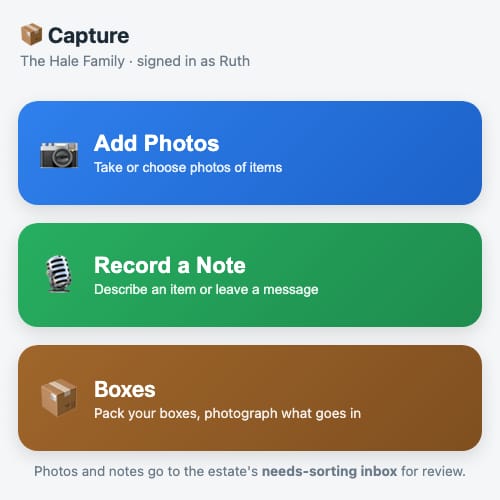
On your phone you can also add photos and record a voice note as you walk through the house, and say what you know about each piece while you’re standing in front of it.
Categories that fit your house
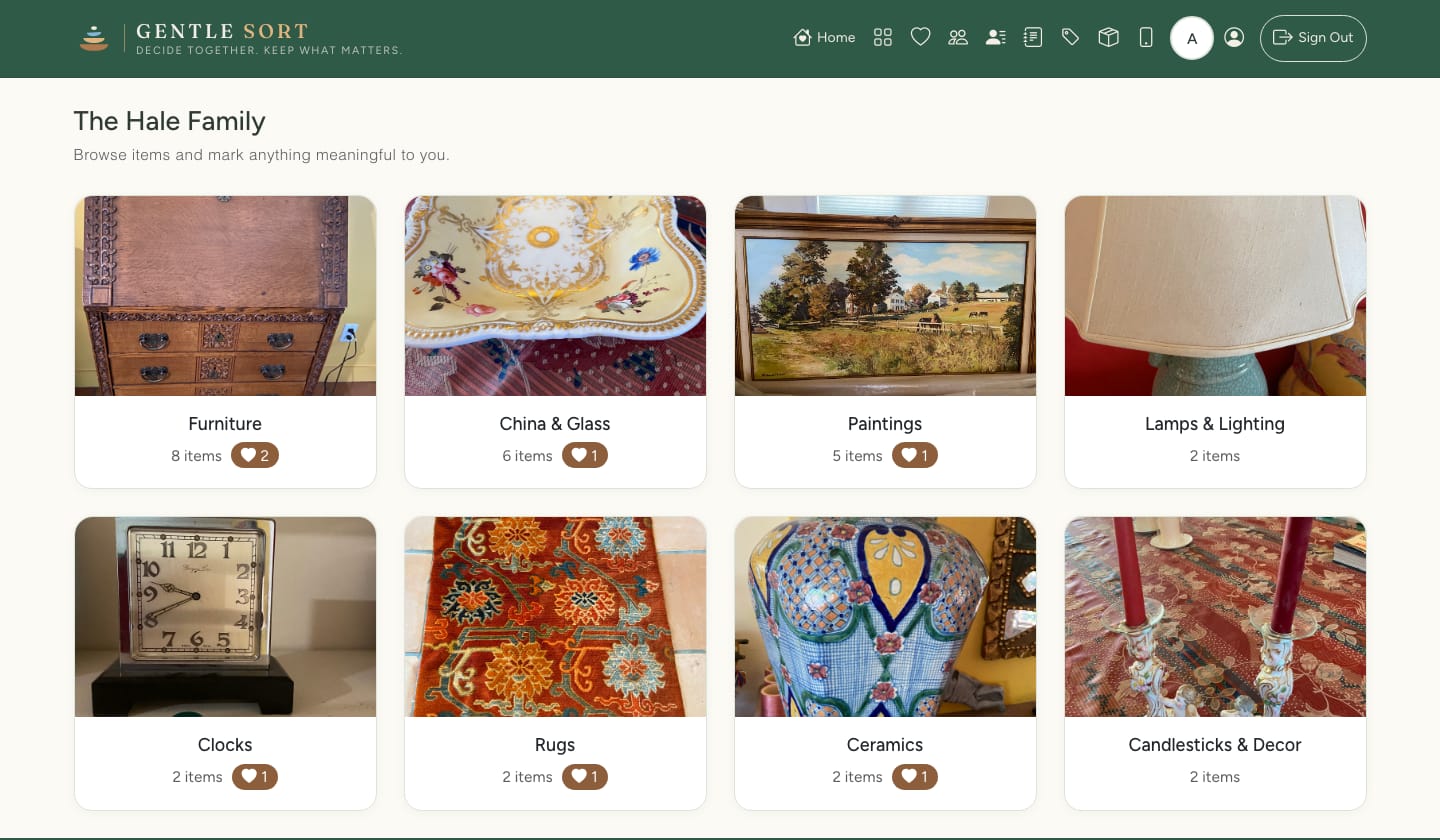
Items are grouped into categories like furniture, paintings, rugs, china and silver. Rename them, add your own, and record each item’s room, description and value.
Every item gets a short code, like DR-04, that you can write on a sticky note or a box.
Or film a room
Walk slowly through a room recording video. Gentle Sort picks out the individual pieces it can see and adds them to the list for you to check. It’s a quick way to get a full room down before going back for close-ups of the important things.
Once items are on the list, your family can start choosing.